Dark mode
HR guide
Human Resource keeps employee records and departments, reviews leave requests, and runs employee clearance.
Who: Admins (the Human Resource menu is for Admin accounts).
Where: The Human Resource group in the left menu.
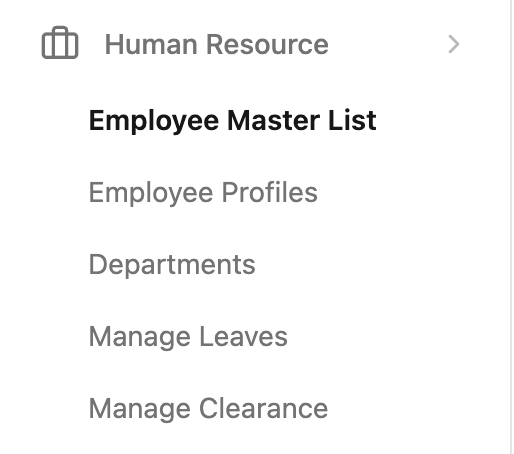
Your menu
| Menu item | What it's for | Guide |
|---|---|---|
| Employee Master List | View, search, add, edit and delete employees; download a CSV | Employee Master List |
| Employee Profiles | Browse employees as cards; see their teaching load and schedule | Employee profiles and departments |
| Departments | The list of departments for the whole school | Employee profiles and departments |
| Manage Leaves | Approve or reject leave requests | Manage leaves |
| Manage Clearance | Start and track employee clearance | Manage clearance |
One list of employees
The Employee Master List, Employee Profiles, and the Admin's Faculty Management page all show the same employees. Adding someone in one place adds them everywhere.
Employees' own pages
Employees apply for leave and check clearance from Faculty → My Leaves and Faculty → My Clearance. See My leaves and clearance.